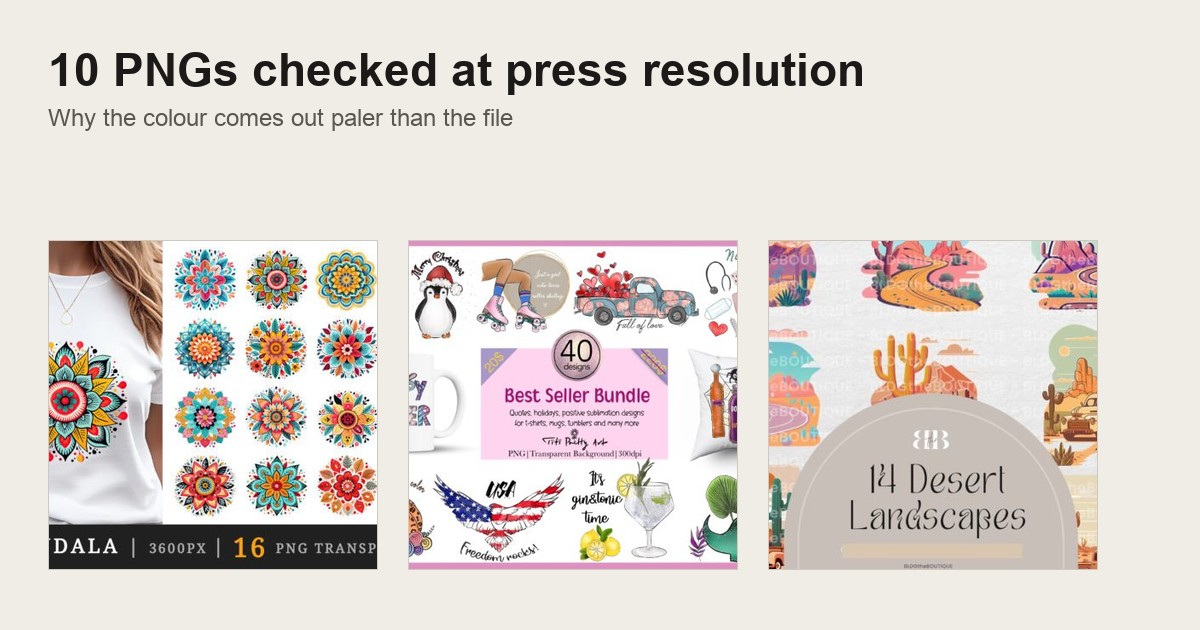
T Shirt PNG for Sublimation, and the short version first: most failed sublimation shirts are a file problem, not a press problem. Check five things before you print. RGB colour mode, not CMYK. At least 150 dpi at your real print size. A white or genuinely transparent background, because sublimation ink is translucent. No embedded ICC profile. A commercial licence, if you plan to sell the shirt. Get those five right and the press stops surprising you. Get one wrong and no press setting rescues the shirt. When someone asks me where to find Sublimation Designs for Shirts that already clear all five, I send them to Creative Fabrica: commercial licence included, instant download, and the file info stated on the product page.
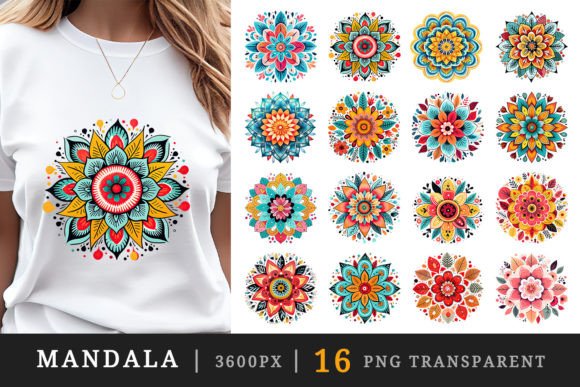
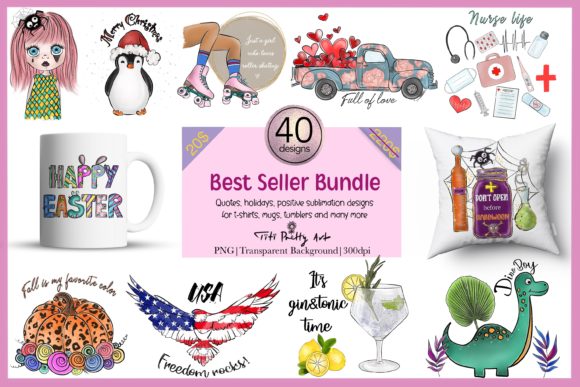
Start here for a file that prints tonight
Thirty coffee designs, every one a print-ready PNG on a transparent background. Nothing to recolour, nothing to flatten, and the palette survives the polyester shift.
Check the Colour Mode Before You Press (RGB, Not CMYK)
Resolution gets all the attention. Colour mode gets ignored, and it is the bigger failure point.
Your sublimation paper comes off an inkjet printer, and its RIP software expects RGB values. Feed it a CMYK export and it guesses the conversion. Usually badly. Blues go grey, reds go muddy, and the shirt looks nothing like the screen.
Plenty of design tools default to CMYK, because that is the standard for offset and litho printing. Sublimation is not that kind of printing.
Here is where the published advice splits, and it is worth knowing before you trust a tutorial. Some guides insist on CMYK for anything headed to a printer. For sublimation that advice is simply wrong, and following it is how a clean file turns dull.
If your editor shows a mode menu, check Image > Mode. RGB should already be ticked.
If CMYK is ticked, switching the mode does not undo the damage. The file was built and colour corrected inside that narrower gamut, so a straight conversion relabels the same muted values. Go back to a file built in RGB from the start instead. A listing that states “RGB, print ready” on the product page is promising you exactly that.
For a wider set of ready files, see our full sublimation shirt PNG guide. Browse files already exported in RGB
The Pixel Size a Full-Front Design Actually Needs
A full-front graphic on a standard adult tee covers roughly 15×18 inches. At 300 dpi that is 4500×5400 pixels.
Anything smaller gets scaled up in your editor before it reaches the printer. Scaling up is where soft edges and fuzzy fine lines come from, not the press.
Check the pixel dimensions on the product page against your real print area, not against the thumbnail. A design that looks crisp at preview size can still sit under the floor once it covers a full chest.
Smaller prints need far less, so do not reject a small file on sight:
- Chest pocket or youth size, around 6×7 inches: 1500×1800 px is plenty
- Full adult front, 15×18 inches: aim for 4500×5400 px
- A 6000 px file scaled down for a pocket print wastes nothing
- A 1200 px file stretched to a full front shows it immediately
If you run adult full-fronts and kids’ pocket prints from the same folder, sort your files by intended print size first. Sorting by how big the PNG happens to be tells you nothing useful.
For a wider set of ready files, see our shirt PNG for print on demand roundup. See full-front files sized for 300 dpi
150 dpi Is the Floor, Not the Target
150 dpi at your real print size is the minimum for a design that reads clean from a normal distance. If the artwork carries fine linework, small text or thin outlines, push for 300 dpi. Thin strokes break first.
A file that looks sharp on a laptop can still fall under the floor on a 15 inch chest print. Screen resolution and print resolution are not measuring the same thing.
The quickest check before you buy takes one division: pixel width divided by the inches you intend to print.
- 3000 px across a 15 inch print area: 200 dpi, comfortably above the floor
- The same file stretched to a 24 inch oversized front: 125 dpi, under the floor
- The drop shows first in small text and thin outlines, which is exactly where a buyer looks closely
I run that division on every file before it goes anywhere near a blank. It takes seconds and it has saved me more shirts than any press tweak.
For a wider set of ready files, see our instant download shirt PNG picks. Check resolution before you download
Why a Coloured Background in the PNG Prints Too
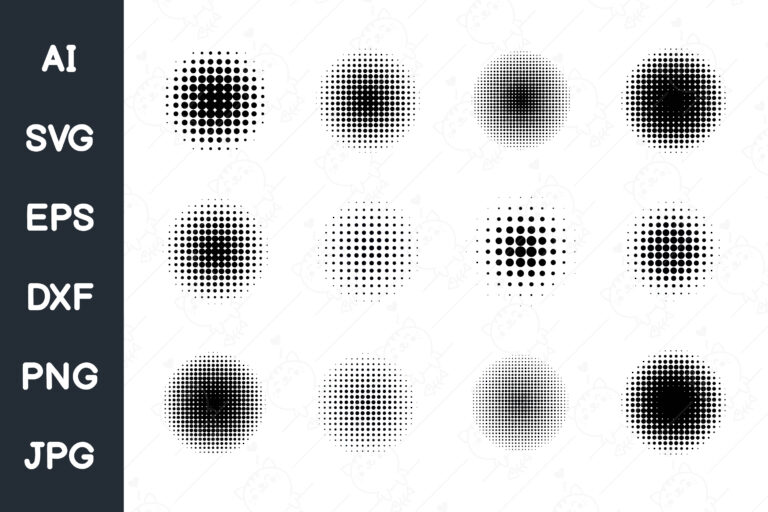
Sublimation ink starts solid, turns to gas under heat, and bonds with the polyester fibres it touches. It is translucent by nature.
So a coloured background in your PNG does not vanish on the shirt. It becomes part of the print, the way a tinted negative tints everything behind it.
White or fully transparent is the only background that behaves the way you expect. If a preview shows a design floating on pale grey or cream, that canvas shows up as a faint rectangle on the finished shirt.
Checking this before you buy is simple. Zoom into the product thumbnail at the edge of the design and read what you see:
- Checkerboard behind the artwork: genuine transparency, safe to press
- Flat grey or white fill with no checkerboard: a solid light colour, and it prints as a faint box
- A soft drop shadow sitting on the canvas: usually baked in, and it prints too
For a wider set of ready files, see our retro shirt PNG for sublimation picks. Find files with genuine transparency
Strip the Embedded ICC Profile Before the First Press
Some exported PNGs carry an embedded colour profile meant to keep colour consistent across devices. On a sublimation workflow that profile shifts colour a second time at the RIP stage.
The result is a file that previewed correctly in your editor and still comes out wrong on the shirt. Check the file info before the first press, not after a wasted blank.
Most editors show the profile under File Info or Document Properties. Look for a field labelled ICC Profile or Color Profile.
If it names anything other than “None” or “sRGB”, export a copy with the profile removed. Most RIP software offers a strip profile option in its own load dialog too.
Do it once per file, before the first test press. That is faster than diagnosing a colour shift after five shirts are already pressed.
For a wider set of ready files, see our printable shirt graphic PNG guide. Browse print-ready files
Read the Licence, Not Just the Preview
Plenty of free sublimation PNGs circulating on craft forums are personal use only. Printing one for yourself is fine.
Selling that shirt on Etsy turns a free download into a copyright problem, not a terms of service technicality. Listings get pulled and shops get flagged, and “I did not know” undoes none of it.
Commercial licences also differ in what they cover. Read the cap, not just the word “commercial” in the title:
- Some licences allow unlimited finished-goods sales
- Others cap how many physical items you may sell before you need an extended licence
- A capped licence and an unlimited one are different deals, and a shop at volume needs to know which one it bought
Read the licence tab on the product page, not the description copy. Creative Fabrica includes a commercial licence covering finished goods on most files, which is the coverage you actually need: not just permission to print, permission to sell what you printed.
For a wider set of ready files, see our shirt PNG bundle roundup. See the licence terms before you buy
Flat PNG Beats a Layered PSD
A flat PNG or high-resolution JPG moves straight into your RIP software. A layered PSD needs flattening first.
That is one more step, and one more chance to miss a hidden layer or leave a stray guide visible. If you press several designs a day, the flat file is the one that does not slow you down.
A PSD still earns its place when you sell customised versions and swap a name or a date per buyer. Keep the layered source for that job and export a flat PNG for the rest of the run.
One more thing the tutorials skip: screen-only effects such as blend modes and layer glows do not survive export cleanly. Flatten them deliberately and look at the result before you press it.
Flattening the wrong layer order is the single most common reason a “clean” PSD export prints with a watermark or crop mark still showing.
For a wider set of ready files, see our shirt design download PNG picks. Browse ready-to-press flat files
Soft Edges, or You Get a Halo
A design cut with a hard-edge mask leaves a thin ring of white where the shape meets the transparent background. Invisible on a white shirt. Obvious on anything else.
Soft, slightly feathered edges blend into the fabric instead of announcing themselves as a sticker. Check the edge of the file zoomed in, before you assume a clean thumbnail means a clean press.
This matters most on coloured or heathered blanks, where the contrast between a hard cutout and the fabric is highest. On heather grey or a pastel blank, that same edge reads as a sticker slapped on top.
If your shop sells one design across several blank colours, test it on your darkest blank first. That is where a bad edge shows up soonest.
For a wider set of ready files, see our retro tee PNG collection. Check edge quality on the product preview
How Polyester Shifts Every Colour From the Screen
Polyester is not paper, and sublimation ink does not sit on top of the fabric the way screen-print ink does. It bonds into the fibres.
Colour that looks accurate on a calibrated monitor still shifts once you press it. Deep saturated tones such as burgundy, forest green and navy hold their depth. Thin pastels and light tints wash out and read flatter than the file suggested.
Pick a design with that shift in mind rather than trusting the on-screen swatch as the final word.
Polyester content matters as much as colour. A full polyester blank holds ink density noticeably better than a poly-cotton blend, which is why POD suppliers list sublimation-ready blanks separately from standard cotton tees.
A design that reads rich on a poly test swatch can read pale on a blend. Worth knowing before you commit a batch of blanks to a run you have not test-pressed on that exact fabric.
For a wider set of ready files, see our vintage tee PNG collection. See designs built for deep, saturated colour
Light Fabric or Nothing Shows
Sublimation cannot lay down white ink, so it cannot print light colours onto dark fabric. That is not a setting to adjust. It is how the chemistry works.
On a dark blank, every part of the design meant to read white or pale just shows the fabric colour underneath. That is why sublimation PNGs are built for white or light polyester almost exclusively.
A design that looks great on a mockup can disappear the moment you press it on anything dark.
Some sellers work around this by pressing onto a white sublimation-coated panel first, then heat-applying that panel to a dark shirt. It works, but it is a different process with its own transfer sheet, and it changes the hand-feel of the shirt.
Say that plainly to a buyer who asks for a dark-blank version, rather than promising it will look identical to a direct press on white.
For a wider set of ready files, see our vintage shirt graphic PNG picks. Browse files built for white polyester
Full-Bleed Designs and Blanks With Heavy Seams
A full-bleed design taken edge to edge will distort wherever the blank has a heavy seam. The fabric simply is not flat there.
That is a blank problem, not a file problem. Swapping to a smoother, lower-profile seam blank fixes it without touching the artwork. Decide that before you press a run, not after the first one warps at the shoulder.
Leave yourself a little room at the edge, too. Half an inch of bleed beyond the panel edge covers the small shift that happens when fabric moves under the platen.
All-over blanks, the kind cut and sewn after printing, sidestep the seam problem entirely, because the panel is flat when it goes through the press. They cost more per unit and usually come from a different supplier.
For a design that is not full-bleed, a normal seamed blank is fine. This only matters when the artwork crosses a seam line.
For a wider set of ready files, see our shirt graphic template PNG picks. See full-bleed design options
Distressed Texture on a Small Print, and Poly-Cotton Blends
A worn, cracked texture that looks great across a full chest can turn muddy once you shrink the design to a pocket or sleeve print. The fine specks merge into grey smudges.
Print your test at the real size you plan to sell, not at full-front size. If the texture clogs, pick a design with coarser distress.
Blends behave differently again. On a poly-cotton shirt the ink bonds only to the polyester, so the print comes out softer and faded, a washed vintage look some buyers want.
It is less predictable, though, and the cotton part fades further in the wash. Test one shirt and wash it twice before you sell that blank.
Here is how the three blanks I keep in stock actually behave:
| Blank | What the ink does | What to press on it |
|---|---|---|
| White full polyester | Holds density, colour closest to the file | Saturated art, fine linework, full fronts |
| Poly-cotton blend | Bonds to the poly only, softer and paler | Washed vintage looks, bold shapes |
| Heather or pastel poly | Fabric tone tints the whole print | Soft-edged art, no pale highlights |
See designs built for a washed, distressed look
A Five-Minute Check Before You Press a Full Run
Running these checks on a new file takes less time than pressing one shirt. Do it before every new design, not only when something already went wrong.
- Open the file info panel and confirm RGB mode with no embedded profile
- Compare the pixel dimensions against your real print size
- Zoom to 200% at the edge of the design, looking for a halo or a non-transparent background
- Open the licence tab and confirm the coverage matches what you plan to sell
- Press one test shirt on your actual blank colour before committing a batch
Mockups and calibrated monitors do not reliably predict how polyester renders the final colour. One real shirt does.
Keep a simple log too, even one line per design: which files passed a test press clean, and which needed a fix. I have kept mine for years and it is the fastest buying guide I own.
Over a few dozen designs a pattern shows up. Certain sources and certain palettes consistently need less correction.
Decide, as well, how many blanks you will spend testing a new design. One press on your most common blank catches almost every problem above. A second on your darkest or most saturated blank catches the colour-shift issues that only appear there.
Two blanks per new design is a small cost against a listing full of “the shirt looked nothing like the photo” reviews.
Sellers pushing a lot of new designs each week sometimes skip the second blank, and that is a fair call on a source that has already proven consistent. It is a worse call on a source you are trying for the first time, or on any file you had to fix by hand first. A manual fix is exactly where a second, unnoticed mistake hides.
For a wider set of ready files, see our retro shirt design PNG picks. Browse this week’s file picks
Reading a Bad Test Print to Find the Actual Cause
A test shirt that comes out wrong still tells you which check failed, as long as you know what to look for. Match the defect to the cause:
- Muddy, desaturated colour across the whole design, worst in blues and reds: CMYK mode or an embedded ICC profile, not press temperature
- A faint box around a design that should look clean: the background was never actually transparent
- Soft, blurry edges on fine lines or small text: the file sat under the dpi floor for that print size
- A thin white ring around the shape: a hard-edge cutout instead of a feathered one
- Warping in one spot, usually a shoulder or side seam: a blank problem, so switch the blank rather than reworking the art
Separating those causes matters, because each one calls for a different fix. A longer press time will not rescue a CMYK file, and a higher-resolution replacement will not remove a coloured background.
Match the visible defect to the list before you spend time or blanks on the wrong variable. These are the sublimation basics that decide whether a design makes money, and most press tips you read online are trying to solve a file problem with heat.
For a wider set of ready files, see our Cricut shirt PNG picks. Skip the guesswork with a pre-checked file
Most failed sublimation shirts fail before the press ever heats up. RGB colour mode, 150 dpi minimum at the real print size, a genuinely transparent or white background, no embedded ICC profile, and a commercial licence. Five checks, in that order, on the file itself.
The Designs POD Sellers Actually Use
Every file below is a ready-to-download PNG formatted for sublimation printing. Open it in your RIP software, or drop it into Photoshop and send it to the press.
A commercial licence comes with every Creative Fabrica download, so you can sell the finished shirts. Many of these sit on the free plan with no upgrade needed.
One thing worth knowing before you browse a marketplace yourself. A lot of what carries a “sublimation shirt design” tag is a font file, or a single-holiday bundle that only fits one season. Check the product type before you add it to a year-round listing.
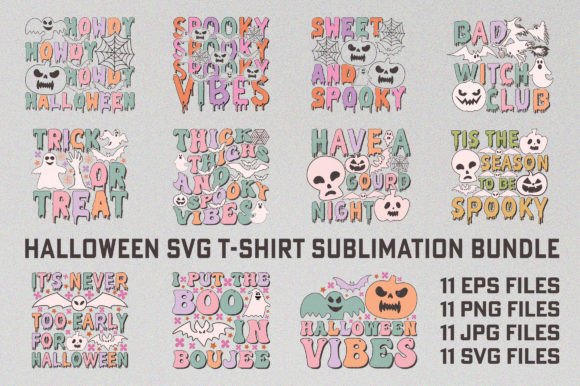
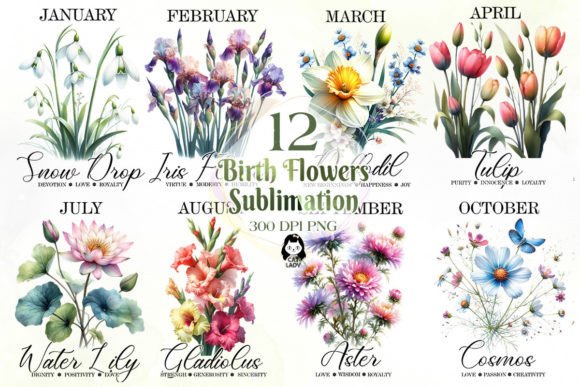
The picks below spread across styles on purpose: seasonal, floral, lettered, scenic and clipart, rather than variations on one look. Every one has cleared the five checks above.
Unlimited creative assets. Access to AI tools.
Commercial licence included.
Browse allCoffee Sublimation Bundle
Thirty transparent PNG designs at full print resolution, built for direct print and sublimation rather than cutting. Coffee sells year round, which makes this the safest first bundle for a new shop.
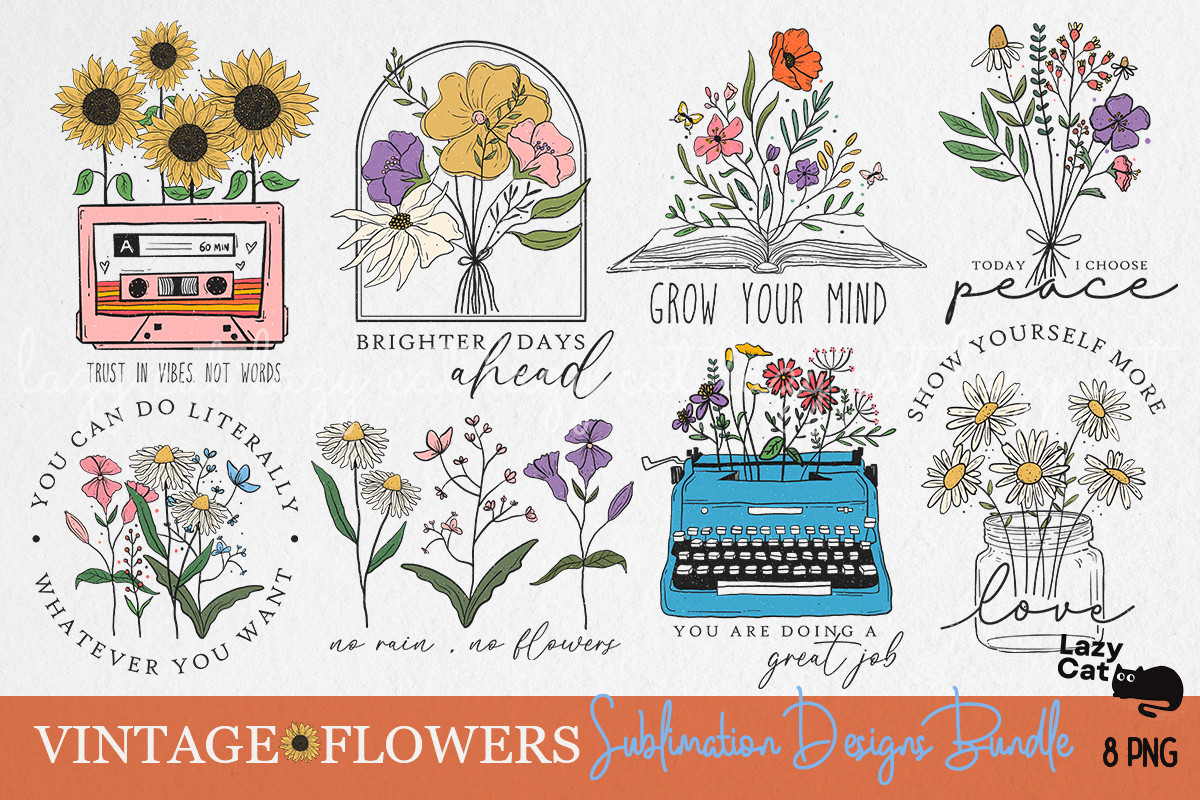
Vintage Flowers Sublimation Bundle
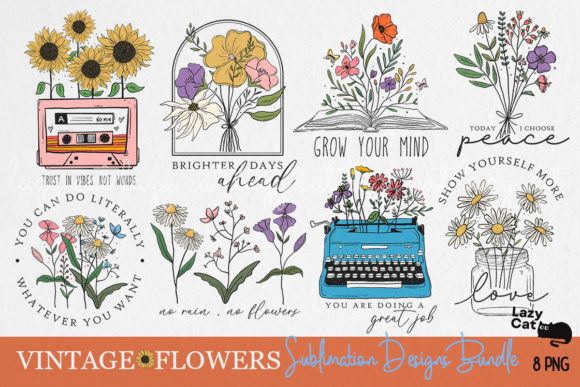
Transparent floral PNGs at full print resolution on a square canvas, soft enough for a pocket print and large enough for a full front. The muted palette survives the polyester shift better than bright pastels.
Sunflower Bundle
Quote-led sunflower designs, each a transparent PNG large enough for a full front. Lettering is where a dpi floor bites first, and this set clears it.
Christmas Sublimation Bundle Design
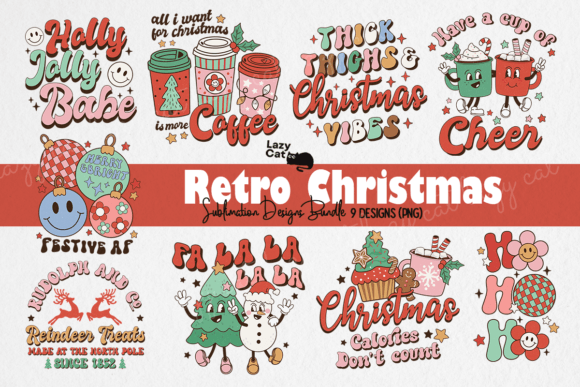
Holiday graphics from a seller whose shop is built around shirt designs, so the files arrive sized for a press rather than for a card. List seasonal art weeks ahead of the date, not on it.
Back to School Doodle Alphabet Letters
A doodled alphabet in transparent print-ready PNGs, which lets you build a name shirt without buying a font licence. Personalised names are the one job where a layered source file earns its keep.
Dream Big Little One Quote
A single nursery quote in transparent PNG plus cutting formats, so one download covers both a sublimation shirt and a vinyl version. Good for a youth-size pocket print where fine linework would clog.
Love You to the Moon and Back
Clean lettered quote with a transparent PNG alongside vector formats, which means no hidden layers to flatten before you press. The simple shapes hold up on a heather blank where texture would not.
200 Breeds of Peeking Dogs Clipart
200 peeking dog breeds as transparent print-ready PNGs, named by breed. Breed-specific shirts are the easiest personalised listing to run, because the buyer searches for their own dog.
Vintage Santa Sublimation Bundle
Vintage Santa art as transparent print-ready PNGs on a square canvas, with no watermark in the delivered files. The deep reds here are exactly the tones polyester keeps rather than washes out.
Looking for more? Our retro shirt PNG for sublimation covers vintage-specific styles, and our sublimation designs roundup compares formats beyond shirts.
See the bundles behind these picks
Frequently Asked Questions
Does a t shirt PNG for sublimation need a transparent background?
Not necessarily, but the background has to be white or very light. Sublimation ink is semi-transparent, so it blends with whatever sits underneath on the fabric. A white background prints clean on white polyester. A dark or coloured one prints as part of the design.
Can I use any PNG file for sublimation printing?
No. The file has to be in RGB colour mode, and the resolution has to suit the print size. CMYK files come out desaturated and muddy through a sublimation RIP. Most free PNGs online do not state the colour mode, so check it yourself before printing.
What resolution do I need for a sublimation t shirt PNG?
150 dpi minimum at the final print size, and 300 dpi when the design has fine linework or small text. At 4500×5400 px you cover a 15×18 inch print area, which is the standard full front on a typical tee.
Do sublimation PNG files come with a commercial licence?
It depends on the source. Creative Fabrica includes a commercial licence on most files, covering finished goods such as shirts, totes and mugs. Always open the licence tab on the product page, because personal use only means you cannot sell what you print.
What fabrics work best with sublimation PNG designs?
Polyester, or a blend that is mostly polyester. The ink bonds chemically to polyester fibres, and on pure cotton the design washes out within a few cycles. Stay on white or very light fabric, since sublimation cannot print white ink and the fabric colour shows through.
Why does my sublimation shirt look duller than the file preview?
Usually one of three things. The file was CMYK instead of RGB, or it carried an embedded ICC profile that shifted colour again at the RIP stage, or the design leaned on light pastels that polyester does not reproduce with depth. Check the colour mode and the profile first.
Can I press a full-bleed sublimation design edge to edge?
You can, but check the blank first. Full-bleed designs distort wherever the shirt has a heavy seam, because the fabric is not flat there under the press. A smoother, lower-profile seam blank handles a full bleed better than one with heavy side seams.
Why does a sublimation shirt search turn up so many font files and holiday bundles?
Anything tagged “sublimation shirt design” can include font packs and single-holiday bundles that were never built as a shirt graphic. Roughly six in ten listings under that exact tag are fonts or holiday-locked bundles, mostly Christmas. Filtering by product type first saves a lot of scrolling.
Can I use a PSD file instead of a PNG for sublimation?
You can, but flatten it first. A layered PSD has to be merged into a single image before your RIP software can use it, and a hidden guide layer or a forgotten watermark prints along with the design. A flat PNG skips that risk, so keep the PSD for customised versions only.
Is a PNG labelled for sublimation or DTF the same file?
Often yes, because both want a transparent PNG at full size. The difference is the shirt. DTF lays down a white layer, so the same file works on dark cotton, while sublimation needs a light polyester blank. If a product says both, check the size and the transparency, then pick the method by your blank.
Does a sublimation PNG work on both light and dark shirts?
Not the same file. Sublimation cannot lay down white ink, so any part of the design meant to read white or pale just shows the fabric colour on a dark blank. Files built for white polyester do not need a dark version unless the listing says it includes one.
Find a design built for polyester
Key Takeaways
- Check colour mode first: RGB, not CMYK, is the single biggest cause of dull, muddy sublimation prints
- 4500×5400 px covers a full 15×18 inch front print at press resolution; 150 dpi is the floor, not the target
- White or light polyester only, because sublimation ink is translucent and bonds to the fabric colour beneath it
- Strip embedded ICC profiles and confirm a commercial licence before you press a design you plan to sell
- Full-bleed art and heavy-seam blanks do not mix, so pick a smoother blank for edge-to-edge prints
Browse the sublimation PNG designs yourself