Short answer: A vintage mama shirt PNG is POD-ready when it’s at least 4500×5400px at 300 DPI, saved as transparent PNG-24, and comes with a commercial licence that explicitly covers print-on-demand resale. Anything less and Merch by Amazon will reject it — silently.
- Resolution: 4500×5400px minimum (Merch standard)
- Colour mode: RGB, not CMYK
- File: PNG-24 with transparent background
- Licence: commercial use + POD resale allowed
- Platform fit: test on Bella+Canvas 3001 mockup before listing
You uploaded a mama PNG that looked perfect in Photoshop, then Merch rejected it — blurry at print size, no commercial licence listed, wrong colour mode. It happens. The file looked fine at 800px wide on screen. It does not look fine stretched across a 15-inch chest print area.
Mama designs are genuinely worth the extra checking time. “Blessed Mama,” “Mama Bear,” retro western mama — these sell in May and in August. The Mother’s Day spike is real, but the evergreen demand is what makes the category worth building.
Why Do Mama Designs Earn a Dedicated Checklist?
Most POD sellers don’t use a checklist for every design — and that’s fine for simple text-only files. Vintage mama shirt PNG files are different. They typically layer distressed textures, script fonts, and decorative elements. Each layer is a potential resolution trap.
I’ve seen the floral butterfly version look sharp at thumbnail size and fall apart on a Gildan 5000 print. The distressing looked like a print defect, not a design choice. That’s a return request and a possible account flag.
The print area doesn’t care what the file looked like on your monitor — it only cares about pixels per inch at actual print dimensions.
What Are the 7 Checks Before You Upload a Vintage Mama Shirt PNG?
Run through this before every upload — takes under two minutes once it’s habit.
POD-Ready Mama PNG Checklist
- Resolution: Open in Photoshop → Image → Image Size → confirm 4500×5400px at 300 DPI (not resampled up)
- Colour mode: Image → Mode → must say RGB Color, not CMYK or Grayscale
- Background: Transparent (checkerboard in Photoshop) — no white fill hiding behind the design
- Licence wording: Find “commercial use” AND “print on demand” or “POD resale” explicitly — “personal use” kills the listing
- Distress test: Zoom to 100% — distress lines should be intentional marks, not compression artifacts
- Mock-up test: Drop onto a Bella+Canvas 3001 or Gildan 18000 mockup at actual print size before listing
- Platform fit: Merch wants flat design that reads well at thumbnail — Etsy buyers zoom in, so detail matters more there
Which Vintage Mama PNG Style Works Best for Your Platform?
Not every mama design converts on every platform. The style that gets saves on Etsy is not always the one that clears Merch review fast.
- If you sell on Merch by Amazon: go simple — bold retro badge or clean script mama with minimal layering. Merch buyers browse at thumbnail size. Floral butterfly detail gets lost.
- If you sell on Etsy: detail works in your favour. Floral, butterfly, layered vintage texture — Etsy shoppers zoom and they buy the craft. Western cowgirl mama does well here in spring and summer.
- If you sell on both: upload the cleaner retro badge version to Merch, reserve the detailed floral and western variants for Etsy listings where you can show them at full zoom.
- If you’re testing a new niche: start with the evergreen retro mama badge — it sells year-round without a seasonal hook and tells you quickly if mama designs are working for your shop.
Looking for more POD design options? Our retro shirt PNG for POD guide covers the full format checklist, and our vintage shirt graphic PNG roundup has 20+ styles worth testing.
Which Vintage Mama Shirt PNGs Are Worth Downloading?
Unlimited creative assets. Access to AI tools.
Commercial licence included.
Get downloads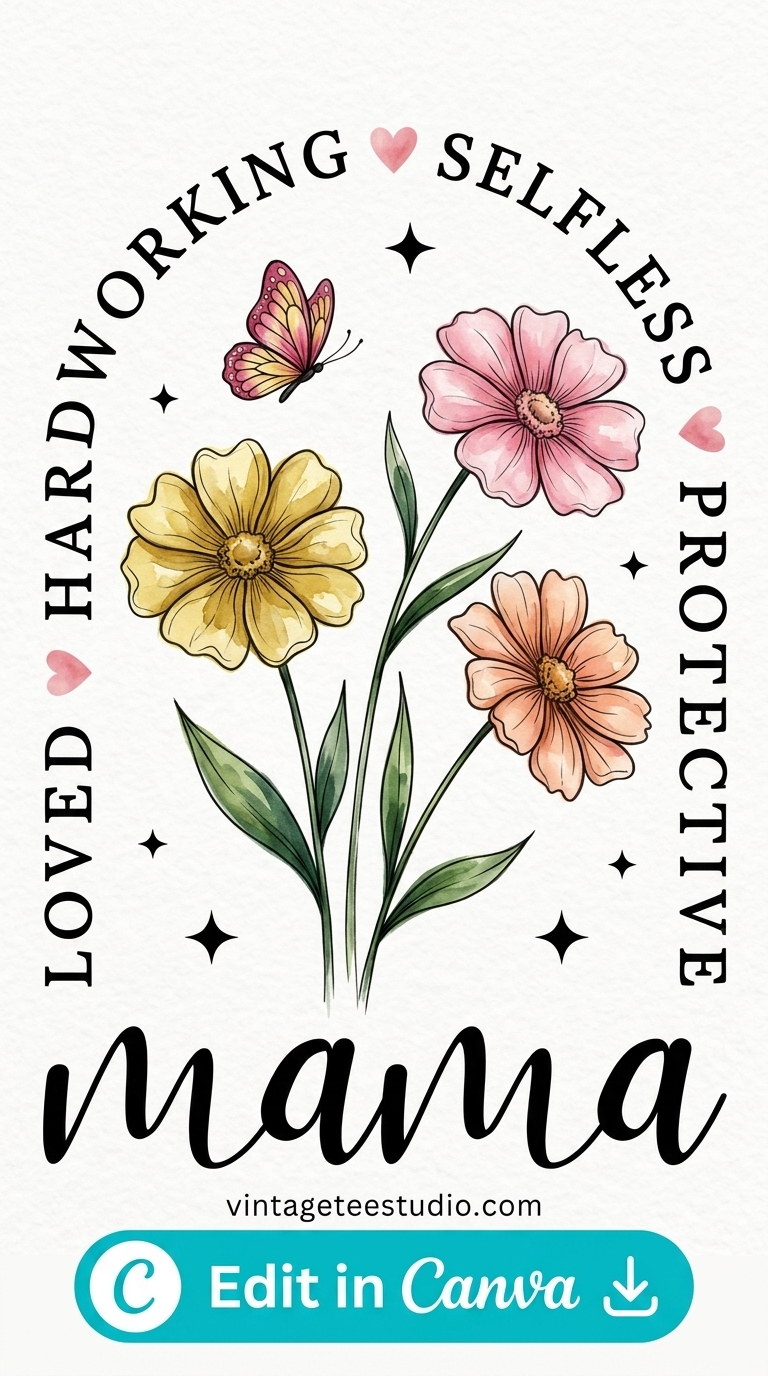
Retro Badge Mama PNG
Bold circular badge layout with distressed serif lettering — reads clearly at thumbnail size, which is exactly why it works on Merch.
Unlimited creative assets. Access to AI tools.
Commercial licence included.
Get downloads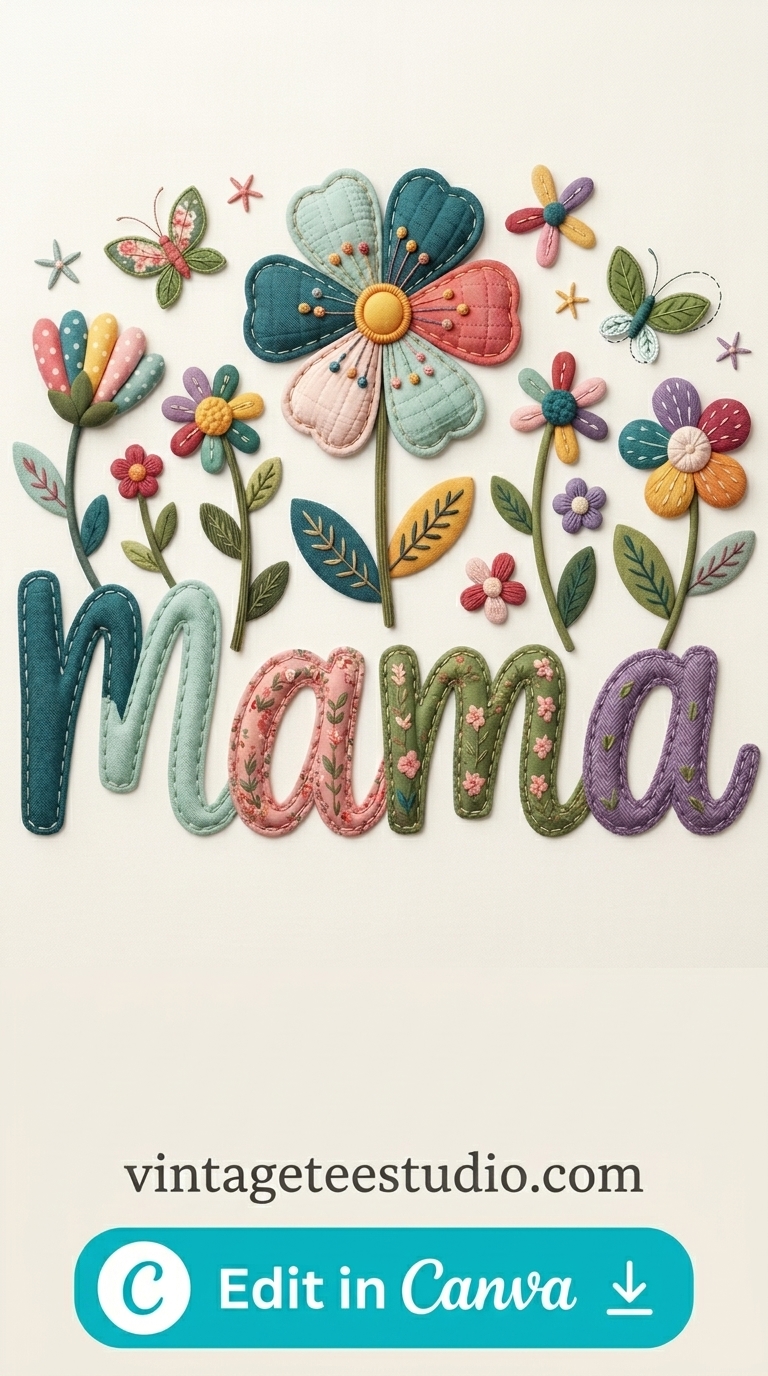
Floral Butterfly Mama PNG
Layered floral wreath with butterfly accents — the kind of detail that shows up in Etsy zoom photos and drives the saves.
Unlimited creative assets. Access to AI tools.
Commercial licence included.
Get downloads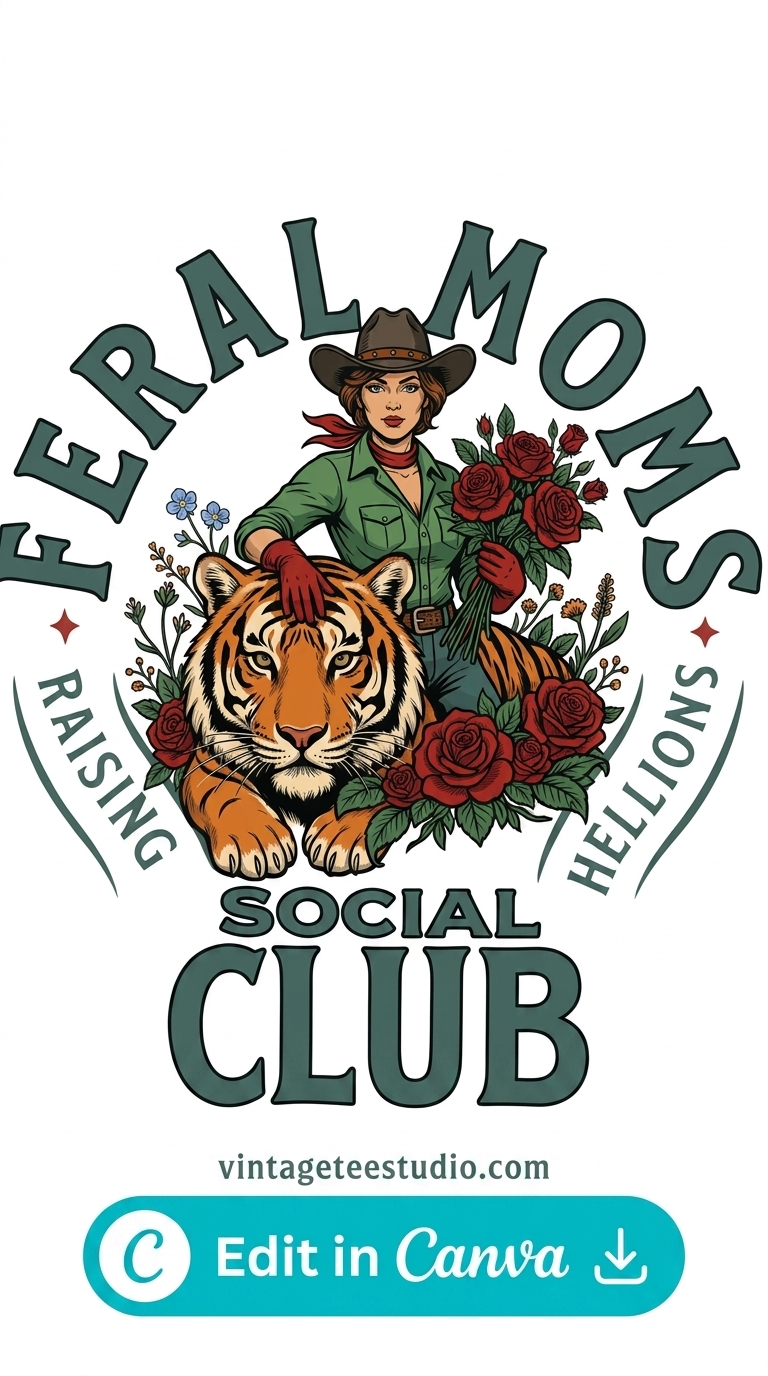
Western Cowgirl Mama PNG
Retro western typography with horseshoe motif — converts on Etsy from April through September without any seasonal tweak.
Where Do You Find Mama PNGs With a Proper Commercial Licence?
The All Access plan gives commercial POD licence on every file — no per-design checking required. That’s what saves time at scale when you’re uploading 20 designs a week.
At subscription (billed yearly), you get unlimited downloads: mama PNGs, retro graphics, font bundles — all under one licence. Free trial includes 10 premium downloads to test first.
Key Takeaways
- All Access plan is subscription — commercial POD licence on every vintage mama shirt PNG file
- Resolution minimum: 4500×5400px at 300 DPI — Merch rejects anything upsampled to hit that number
- Retro badge styles work on Merch; floral and western detail styles convert better on Etsy
- Mama designs are evergreen — “Blessed Mama” and vintage cowgirl mama sell year-round, not just in May
Frequently Asked Questions
What size should a mama PNG be for Merch by Amazon?
4500×5400px at 300 DPI, RGB colour mode, transparent background. Merch rejects files that don’t meet this spec — the rejection message is vague, so check dimensions before upload.
Can I use a mama PNG on Etsy and Merch at the same time?
Yes — a commercial POD licence covers resale on multiple platforms simultaneously. You don’t need separate licences per platform.
Is the free trial enough to download mama PNG files?
The free trial gives you 10 premium downloads — enough to test 3–4 vintage mama shirt PNG designs before committing to a monthly plan.
Why did my mama PNG get rejected by Merch even though it looked fine?
Most rejections come from resolution issues (file was upsampled, not natively high-res), wrong colour mode (CMYK instead of RGB), or a white background that wasn’t visible in your editor. Run the 7-point checklist before every upload.