You find the perfect vintage graphic on Creative Fabrica. You download the file. You open the zip and there are four files inside: PNG, SVG, EPS, and a layered PSD. You need to upload it to Printful tonight. Which file do you use?
Most POD sellers guess. They pick the PNG because it looks familiar, upload it, and hope for the best. Sometimes it works. Sometimes the print comes back with a white box where the background should have been transparent, or the resolution was too low and the grain turned to mud at print size.
Here is the complete guide to vintage graphic t-shirt design PNG files, what to look for, how to use them, and where to find commercial-licence files that actually deliver in print.
PNG vs. SVG vs. EPS: Which File Format Do You Need?
Each format has a specific use case. Using the wrong one is the most common mistake in POD file management.
PNG: Raster format. Fixed resolution. What you see is what prints. Transparent background removes the garment-colour problem. Works with every POD platform. Best for designs with complex grain, texture, and distress effects, these details don’t transfer cleanly to vector formats. Use PNG for all vintage graphic designs with halftone grain or distress texture.
SVG: Vector format. Scales to any size without quality loss. Best for clean line art, cut files (Cricut, Silhouette), and designs with hard edges and flat colours. Does not handle raster grain texture, if you open a vintage distressed badge as SVG, the grain becomes a complex mesh of vector paths, the file size explodes, and the print quality is often worse than a well-built PNG.
EPS: Legacy vector format. Used by print shops and older design software. Not necessary for POD digital upload workflows. If a file comes with both PNG and EPS, use the PNG for POD.
Unlimited creative assets. Access to AI tools.
Commercial licence included.
Get downloads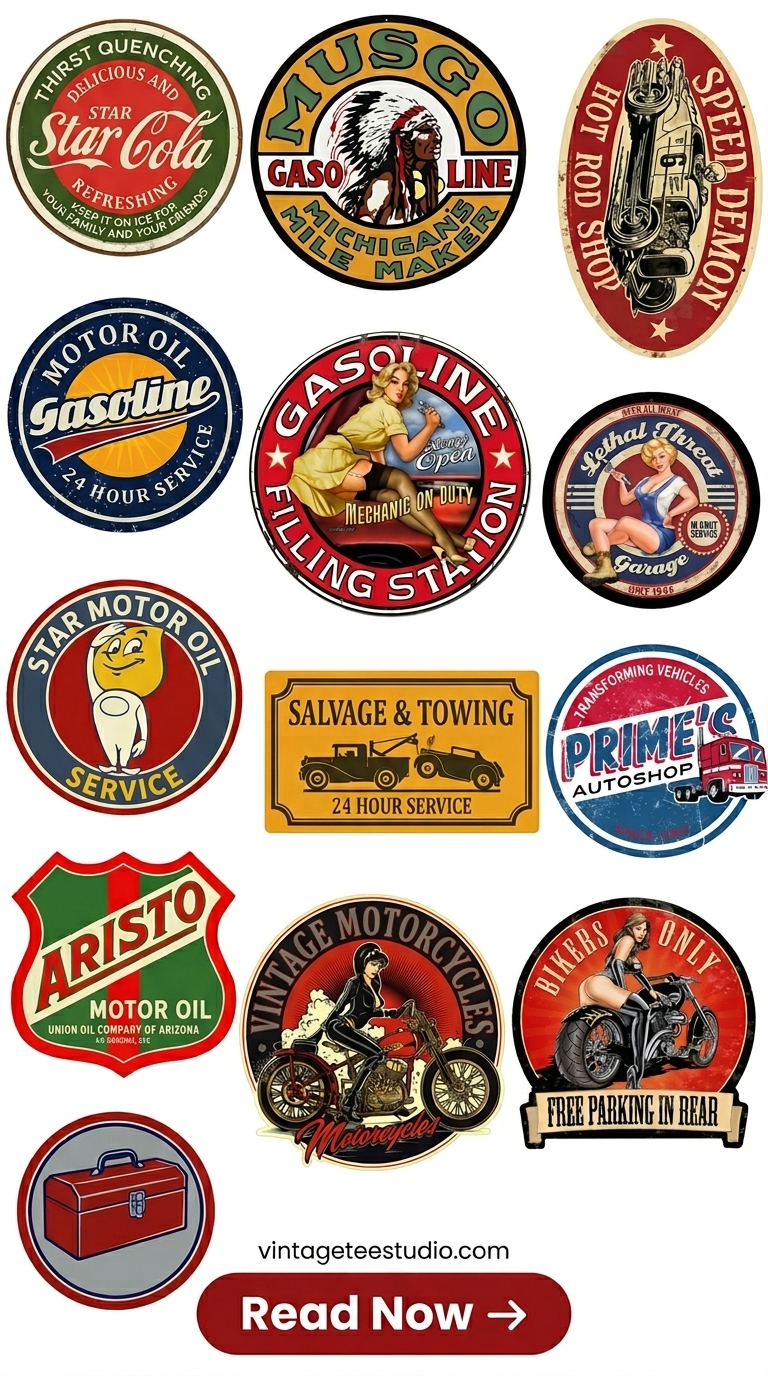
Vintage Graphic PNG Bundle, POD-Ready
A bundle of vintage badge and emblem graphics in transparent-background PNG at 300dpi, the file specification that works directly with Printful and Printify without any modification. Multiple designs, single download, commercial licence included.
What to Look for in a High-Quality Vintage Graphic PNG
Before downloading a vintage graphic PNG for POD use, check these five things:
- Transparent background, no white or coloured fill behind the graphic
- Resolution 300dpi minimum, check the file dimensions (4500×5400px at 300dpi = standard POD)
- Grain/distress baked in, not a separate layer that could be accidentally omitted
- Colour mode RGB, POD platforms use RGB, not CMYK (even though CMYK looks better on paper)
- Commercial licence, explicit statement that the file can be used in products sold to end customers
Unlimited creative assets. Access to AI tools.
Commercial licence included.
Get downloads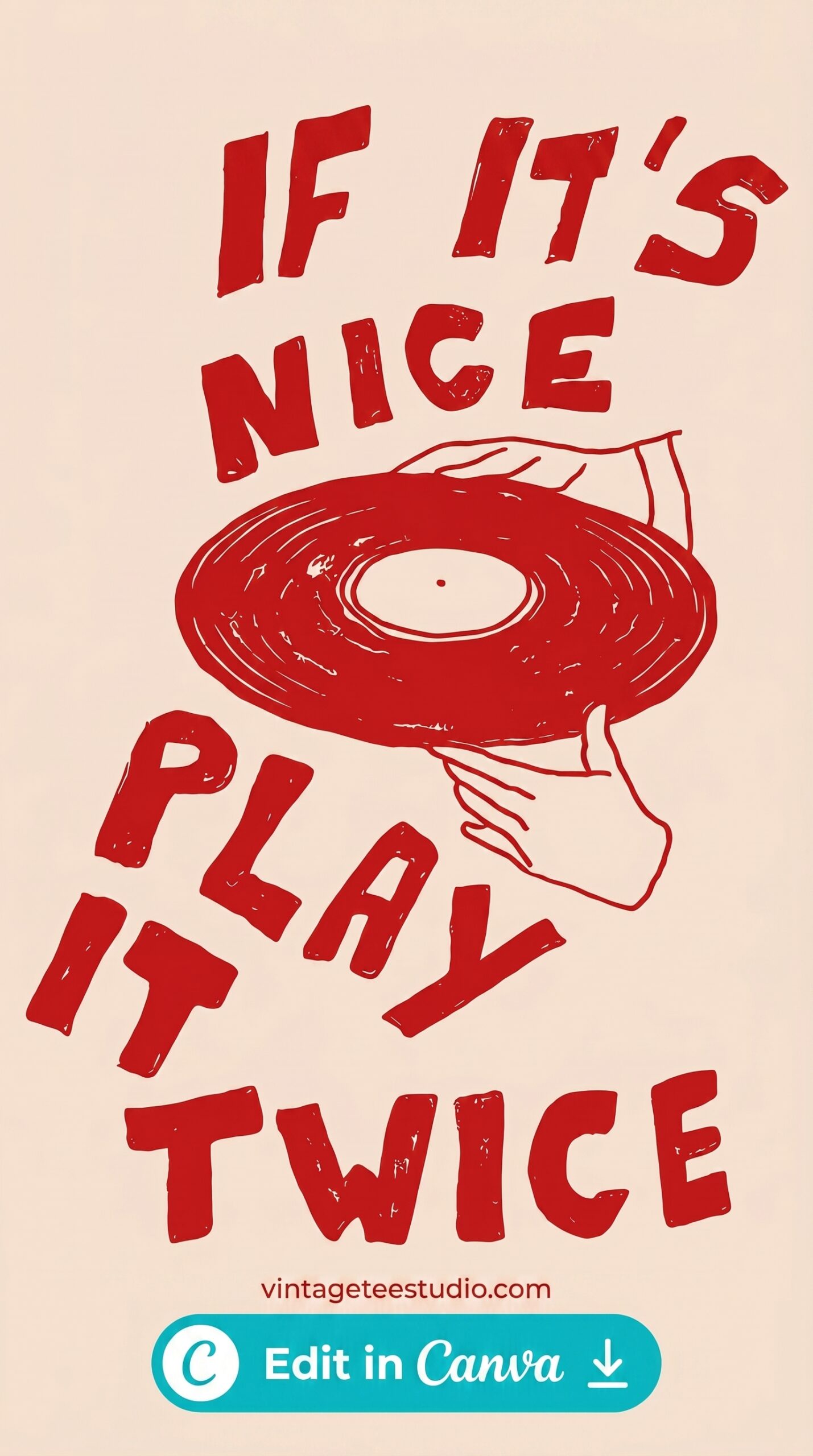
Quality Vintage Graphic PNG, Transparent BG
A vintage illustrated logo in transparent-background PNG, the checkerboard transparency pattern visible in the preview confirms no background fill. The distress texture is embedded in the design structure, not a layer. RGB colour mode. 300dpi.
Transparency, Resolution, and Colour Mode, The Three Settings That Matter
Transparency: A transparent background PNG has no colour information outside the design. On a white shirt, this looks identical to a white background file. On a coloured shirt, the garment colour shows through the transparent areas, no white box. Always use transparent PNGs unless you specifically want the background colour to be part of the design.
Resolution: 300dpi at the correct print dimensions is the standard. Here’s why: Printful’s chest print area is 12×16 inches. At 300dpi, that’s 3600×4800px. The 4500×5400px standard file gives you headroom, you can resize down without quality loss. Files smaller than 150dpi at print size will show visible pixelation in the grain texture, which ruins the vintage effect entirely.
Colour mode: POD platforms use RGB for their screen preview and print processing. If you upload a CMYK file, the platform converts it to RGB, which can shift colours unpredictably. Download RGB files, or convert CMYK to RGB in Photoshop before upload.
Unlimited creative assets. Access to AI tools.
Commercial licence included.
Get downloads
Vintage Logo PNG, RGB Colour Mode
A classic vintage logo design in RGB colour mode, the correct format for Printful and Printify upload. The file previews accurately on screen, converts to the print process without colour shift, and delivers the same earthy brown-and-cream palette in both digital preview and physical print.
How to Use PNG Files with Cricut, Sublimation, and DTF
Cricut and vinyl cutting (HTV): PNG files don’t cut directly. You need to trace the PNG in Cricut Design Space or convert it to SVG first. Vintage distressed designs don’t always trace cleanly because the grain creates thousands of tiny cut paths. Look for files that come with a separate clean SVG version for cutting.
Sublimation: PNG works directly. The file transfers to polyester fabric via heat press. On sublimation, the print is completely flat (ink bonds to the polyester fibres), all vintage texture must come from the design file. Transparent PNG areas become the fabric colour, so on white polyester this works smoothly.
DTF (Direct to Film): PNG works directly. DTF transfers print onto a film, which is then heat-pressed onto the garment. Transparent background PNGs produce clean transfers with no carrier visible outside the design. This is the most forgiving format for vintage designs, DTF handles fine detail and grain texture better than DTG at lower resolutions.
For more on the print techniques behind vintage aesthetics, our vintage t-shirt print guide covers screen-print simulation and distress techniques in detail. For a broader gallery of vintage graphics, our vintage graphic t-shirt design roundup has 21 style options with format notes.
Key Takeaways
- PNG is the correct format for vintage graphic t-shirt designs on POD platforms, SVG doesn’t handle raster grain and distress texture cleanly
- 300dpi at 4500×5400px with transparent background is the standard spec that works with all major POD platforms without modification
- Colour mode must be RGB, CMYK files will shift colours when the platform converts them, often degrading the earthy vintage palette
- For cutting (Cricut, HTV), PNG doesn’t cut directly, look for files that include a clean SVG version alongside the PNG for use in Design Space
Frequently Asked Questions
What is the best file format for vintage graphic t-shirt designs?
PNG with transparent background at 300dpi for POD (Printful, Printify, DTG, sublimation). SVG for cutting machines (Cricut, Silhouette). EPS is legacy and not needed for modern POD workflows. Most commercial design bundles include both PNG and SVG, use PNG for printing, SVG for cutting.
What resolution does a vintage graphic PNG need for POD?
300dpi at 4500×5400px is the standard for Printful and Printify adult shirt sizes. This gives you a 15×18 inch print area at 300dpi, more than enough for standard chest or full-front placement. Below 150dpi, the vintage grain texture will appear as pixelation in print.
Why does my vintage PNG have a white box when I upload it?
The file has a white background fill rather than a transparent background. Open the file in Photoshop or Preview, if the background is white (not a grey-white checkerboard), you need to remove the background before upload. On white shirts this doesn’t matter; on coloured shirts, the white box is visible in print.
Can I use a vintage PNG file on a coloured shirt?
Yes, with a transparent background PNG. The garment colour shows through the transparent areas. Designs built for dark shirts often use white ink elements that only show on dark backgrounds, check the design preview on the target garment colour in your POD platform mockup generator before publishing.
Where can I download vintage graphic t-shirt design PNG files with commercial licence?
Creative Fabrica’s commercial plan includes a licence for use in products sold on Etsy, Merch by Amazon, Redbubble, Printify, and Printful. Search for vintage badge, distressed emblem, retro logo, or screen-print style designs and filter by commercial licence. Free plan files are available for personal use only, the commercial plan is required for POD sales.